
Startup with audience present
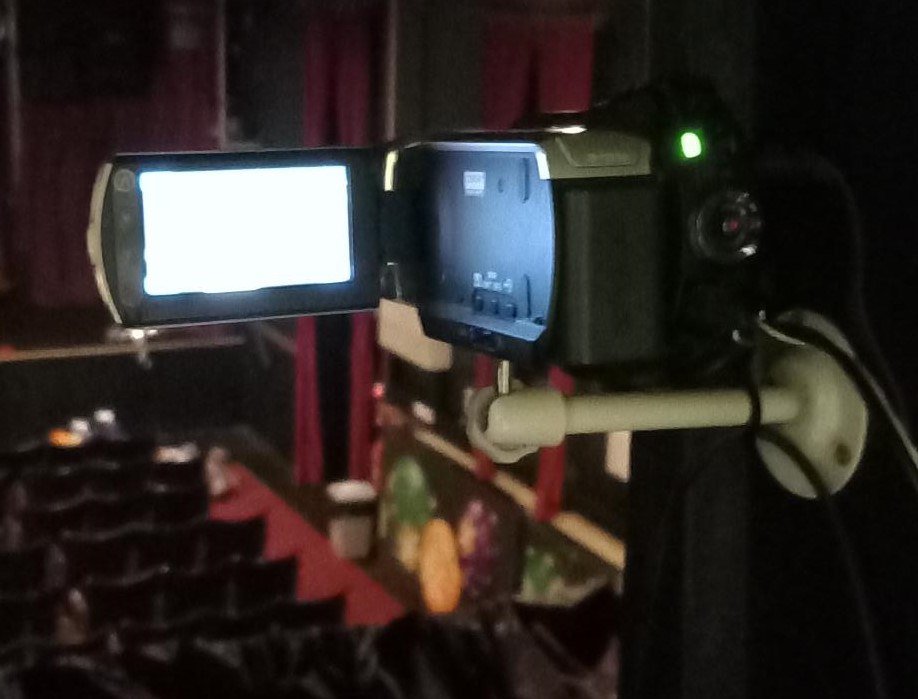 Switch on the camera mounted in the window without glass and set it up as detailed in the Sony_Handicam.pdf document .
This picture is sent to a screen in the stage manager's location to help them see what is happening on the front of the stage. It is also sent to the projector in the club room so that actors awaiting their entrances can see where the show has got to.
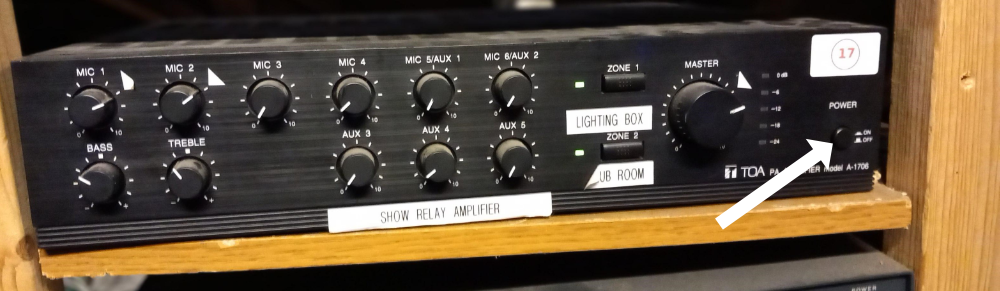 Turn on the show relay amplifier (called TOA) in the wooden rack at the back of the lighting box.. This relays the output of two microphones above the stage to the club room and to a small speaker in the lighting box. Check that the two zone indicators are on. If not, switch them on.
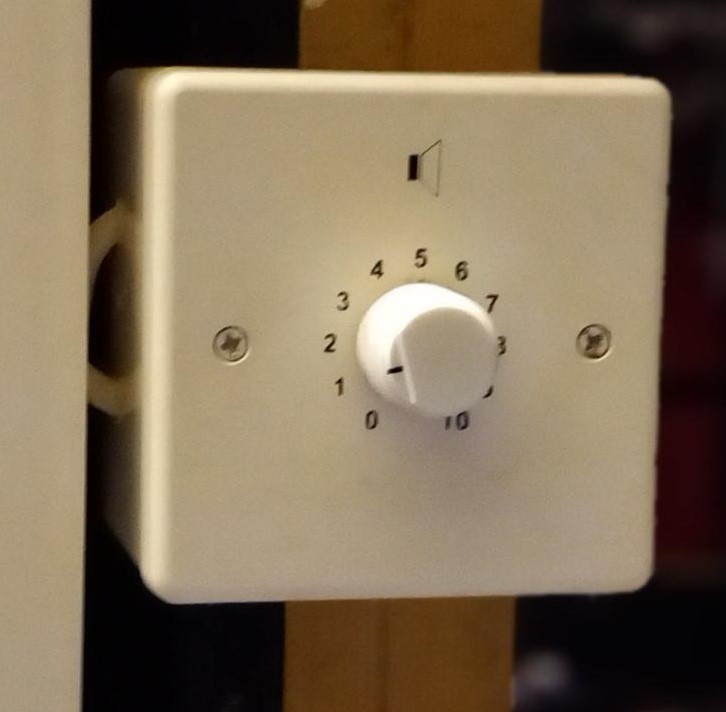 Go to the clubroom and check that the volume of the sound coming from the stage is suitable. Adjust the volume control if necessary. (There is an equivalent independent volume control between the windows for the small speaker in the lighting box)
 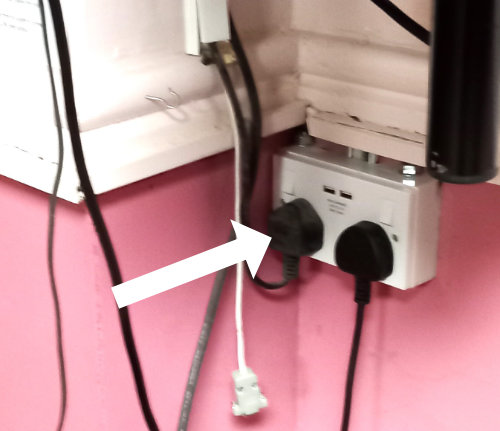 While in the clubroom, pull down the screen and switch on the projector at the wall socket. If the projector does not show the expected picture, use the remote control to select the correct source (AV). The remote control is kept in the right hand drawer of the unit under the screen.
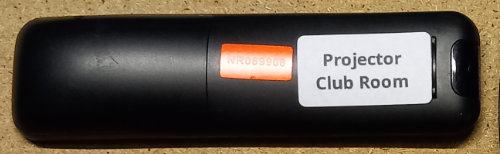
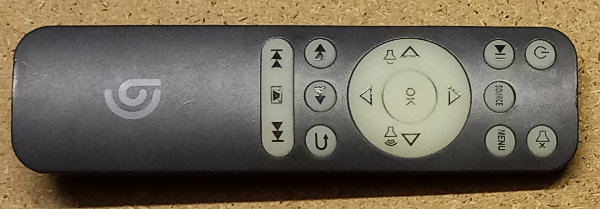
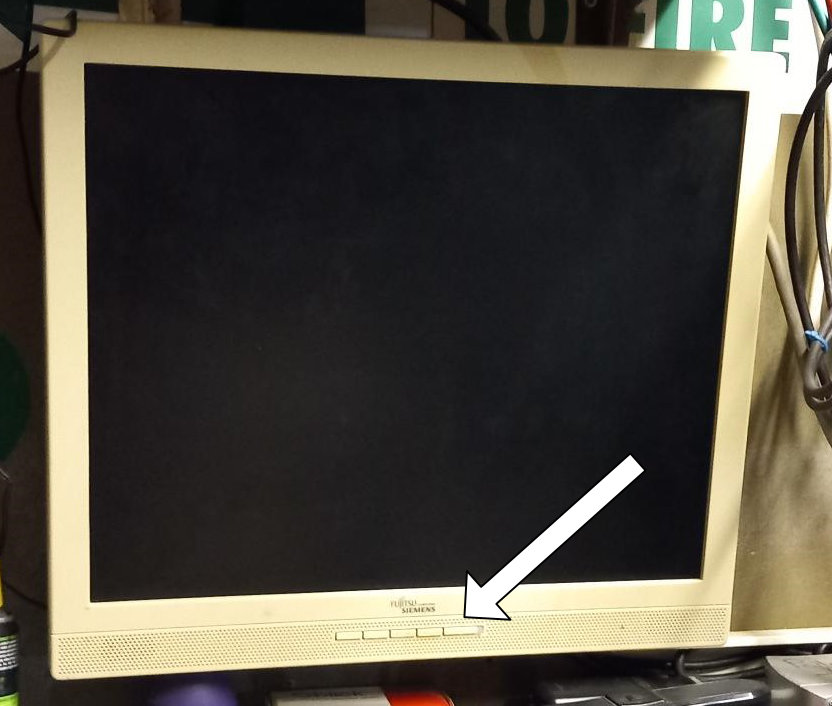 Back in the lighting box, turn on the CCTV monitor.
 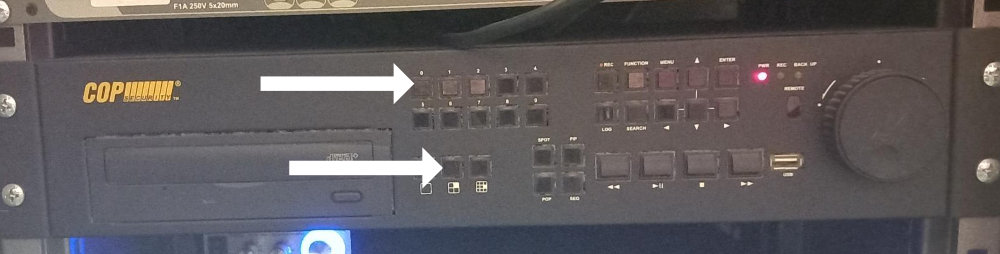 On the CCTV monitor control, input password 0000 using the buttons on the unit. Then click the button showing the 4 picture option to get just the four installed camera outputs on screen. These are used to check the box office queue and the presence of any actors who will enter from the rear or side of the auditorium
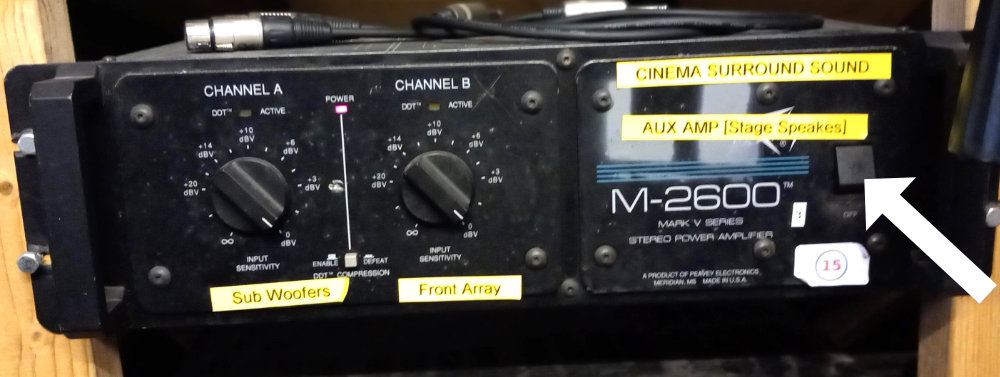 Switch on the Front of House Amplifier in the wooden rack at the rear of the lighting
box. This is the M-2600
Switch on the Front of House Amplifier in the wooden rack at the rear of the lighting
box. This is the M-2600
The yellow labels for surround sound are no longer correct - just ignore them.
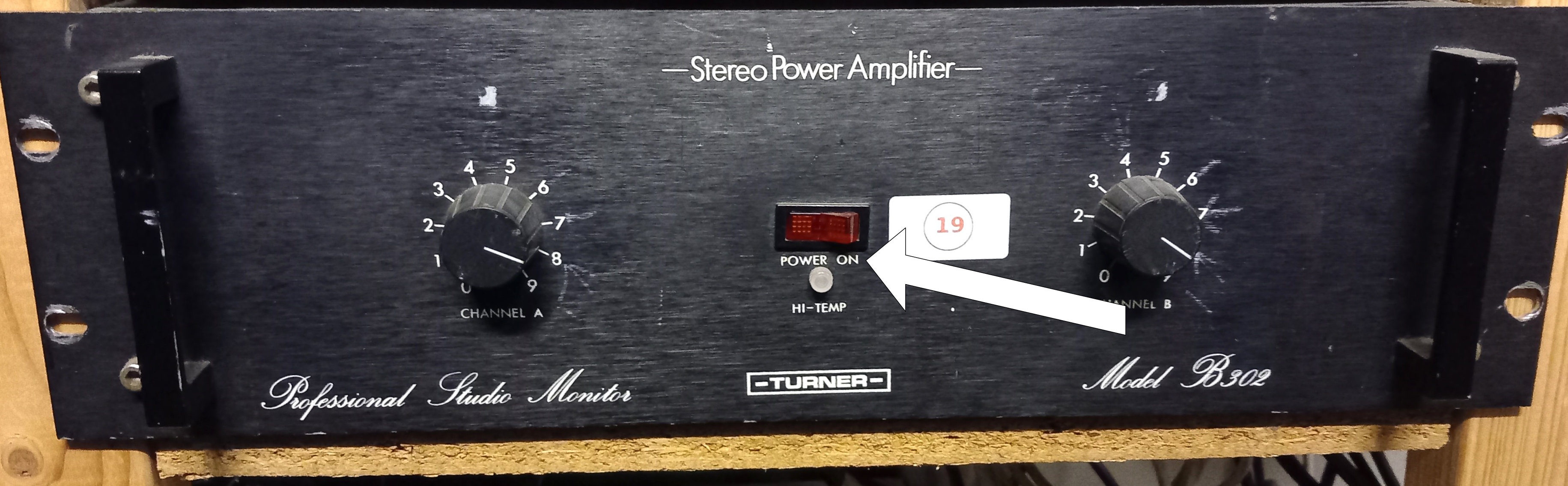 If the back stage speakers are required for the show, switch on the Back Stage Amp. It is the amp at the bottom of the rack at the rear of the lighting box.
The TV at the front left of the auditorium is used to show information to the audience while waiting for the performance to start.. If there is a show specific memory stick, take it and the TV remote control there. Plug the stick into the USB cable that hangs down from the TV (it may be hidden inside the black trunking). Turn on the TV with its remote control power button (amber) while standing in the auditorium quite near to it. Select the USB source from the menu. (Unfortunately this will be sideways until the pictures from the memory stick start).
The process is:
Menu button
Down arrow, Down Arrow, Down arrow.
Click source List
Arrows as necessary to select video file
Click
OK
Click OK to select Video
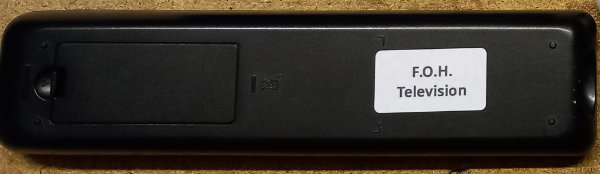
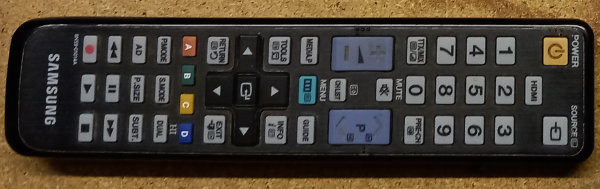
Don't forget to turn the off the TV with the remote control before the show itself starts! Luckily this should work from the lighting box window.